Import an OpenAPI file or a Postman collection
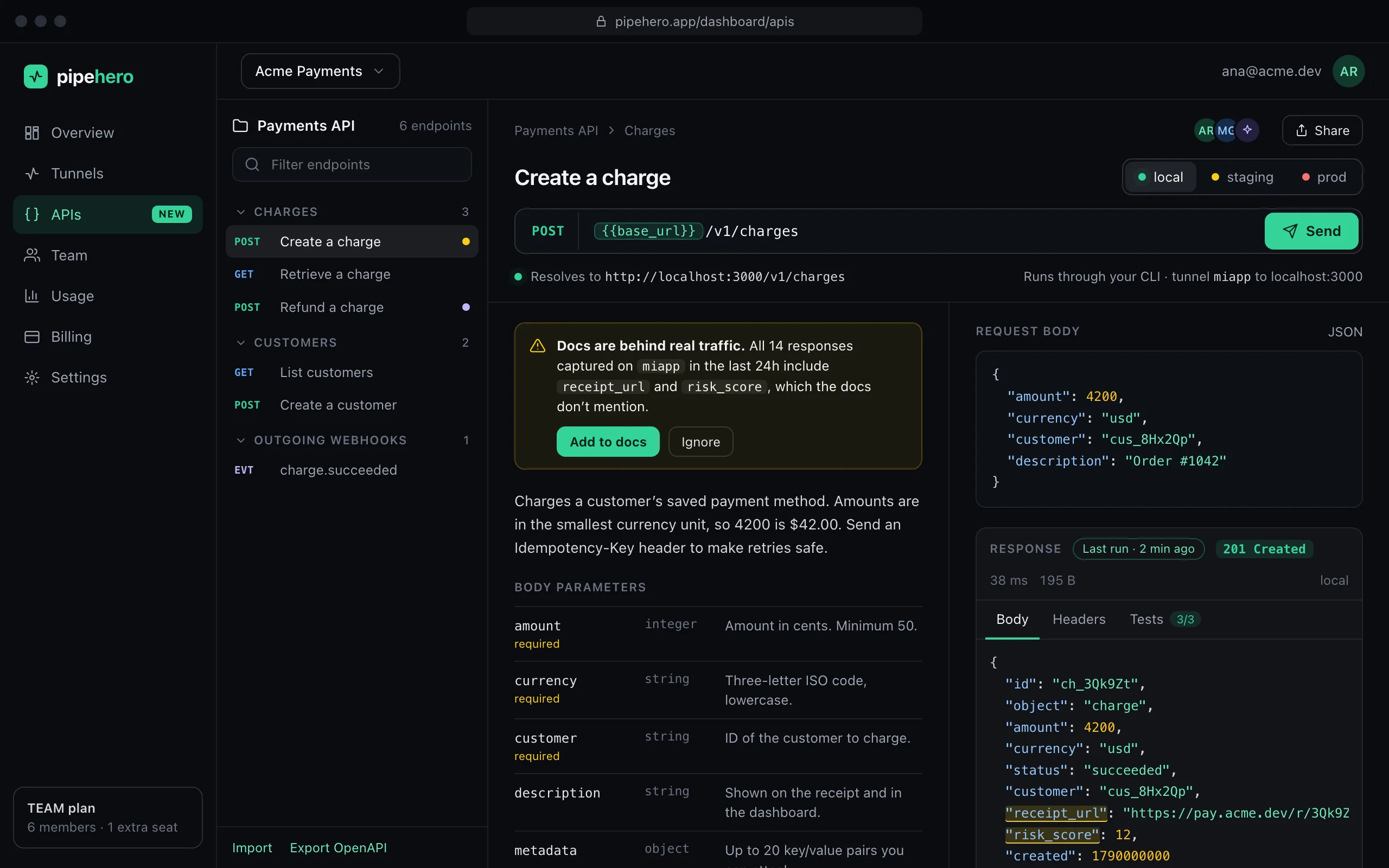
You probably already have your API described somewhere: an OpenAPI spec, a Postman collection, a cURL command from a ticket, a capture from your browser. Drop it in and get shared documentation you can run, without retyping anything and without leaking the tokens that were in it.
Import and export are on every plan. Free holds 1 collection and 25 endpoints; Pro 10 and 500; Team is unlimited.
What you can import
- ›OpenAPI 3.x, as JSON or YAML: endpoints, path and query parameters, request bodies, examples from the spec (or generated from the schema), responses as examples, servers as environments, security schemes as header variables, and 3.1 webhooks as outgoing webhooks.
- ›Postman collections (v2.x): nested folders, saved responses as examples and collection variables as an environment.
- ›cURL: paste a command, or use “Copy as cURL” from your browser's network tab or a provider's docs.
- ›Browser captures (HAR): in DevTools open the Network tab, filter to Fetch/XHR and choose “Save all as HAR”. Ids in paths are grouped, so /users/1 and /users/2 become one endpoint with a variable, and each status keeps one example.
Your credentials never come through
A header that carries a token keeps its name but gets a {{variable}} in place of the value, which you define per environment. Cookies are dropped. Postman variables that look like secrets are imported as secrets with no value, so you fill them in yourself. Nothing literal is stored.
You get a list of what was replaced or skipped after every import, so you know what to fill in.
All or nothing
An import creates its endpoints in a single transaction, after checking your plan's limits. If it doesn't fit, nothing is created, so you never end up with half a collection. You can import into a new collection or add to one you already have.
Take it with you
Export any collection as OpenAPI 3.1 or Postman 2.1 whenever you want. Outgoing webhooks travel too, so a collection can round-trip.
Limits worth knowing
- ›Swagger 2.0 isn't supported: convert it to OpenAPI 3 first.
- ›External $ref files are rejected; local references are followed, with protection against cycles.
- ›A document can be up to 8 MB. A browser capture can be up to 64 MB before it is slimmed down in your browser (cookies, timings and the bodies of images and scripts are dropped), and the result must fit in 8 MB.
- ›YAML is converted in your browser, never on the server.
FAQ
Can I import a Swagger 2.0 file?
Not directly. Convert it to OpenAPI 3 first, and then import it. The dialog tells you when a file is Swagger 2.0.
Are the tokens in my Postman collection imported?
No. Literal credentials are never imported. Headers that carry them get a variable such as {{token}}, and secret-looking collection variables come in as secrets with no value.
Does a HAR file from Firefox work?
Yes. Captures without a resource type are recognized by their content type, so files from Firefox and Chrome both work.
Can I export what I built?
Yes, as OpenAPI 3.1 or Postman 2.1, from the collection panel.
Keep reading
Everything is in the API workspace docs, and the other parts are API drift detection, Scheduled API monitoring, API client for your desktop.
Document and test your API in minutes
Free plan, no credit card. Import a spec or start from your webhooks, and keep it true from there.
Get started free